


One comment on "Safe Screen Share"
Have any questions? Ask the founders here.
You must be logged in to post a comment.


One-time payment. Lifetime deal.
Sharing your screen can feel like giving a big presentation in your underwear—you’re just one wrong click away from exposing something you shouldn’t.
You need to present with authority, but you spend half the meeting nervously policing your own screen instead of focusing on your audience.
Imagine if you could hide confidential info as it appears, turning potential moments of panic into complete non-issues.
You’re in the zone, nailing a live demo for that big client, when you see it slide into the corner of your screen: a Slack notification from your coworker.
Is it an innocent question about lunch, or is it the message where you were both complaining about this exact project?
For a split second, your heart stops. You stammer, your train of thought derails, and you frantically try to dismiss it before anyone notices.
But it’s too late. The damage is done.
These tiny on-screen surprises are more than just embarrassing; they’re credibility killers.
What if you had a magic undo button for your live screen?
Introducing Safe Screen Share’s One-Click Blur
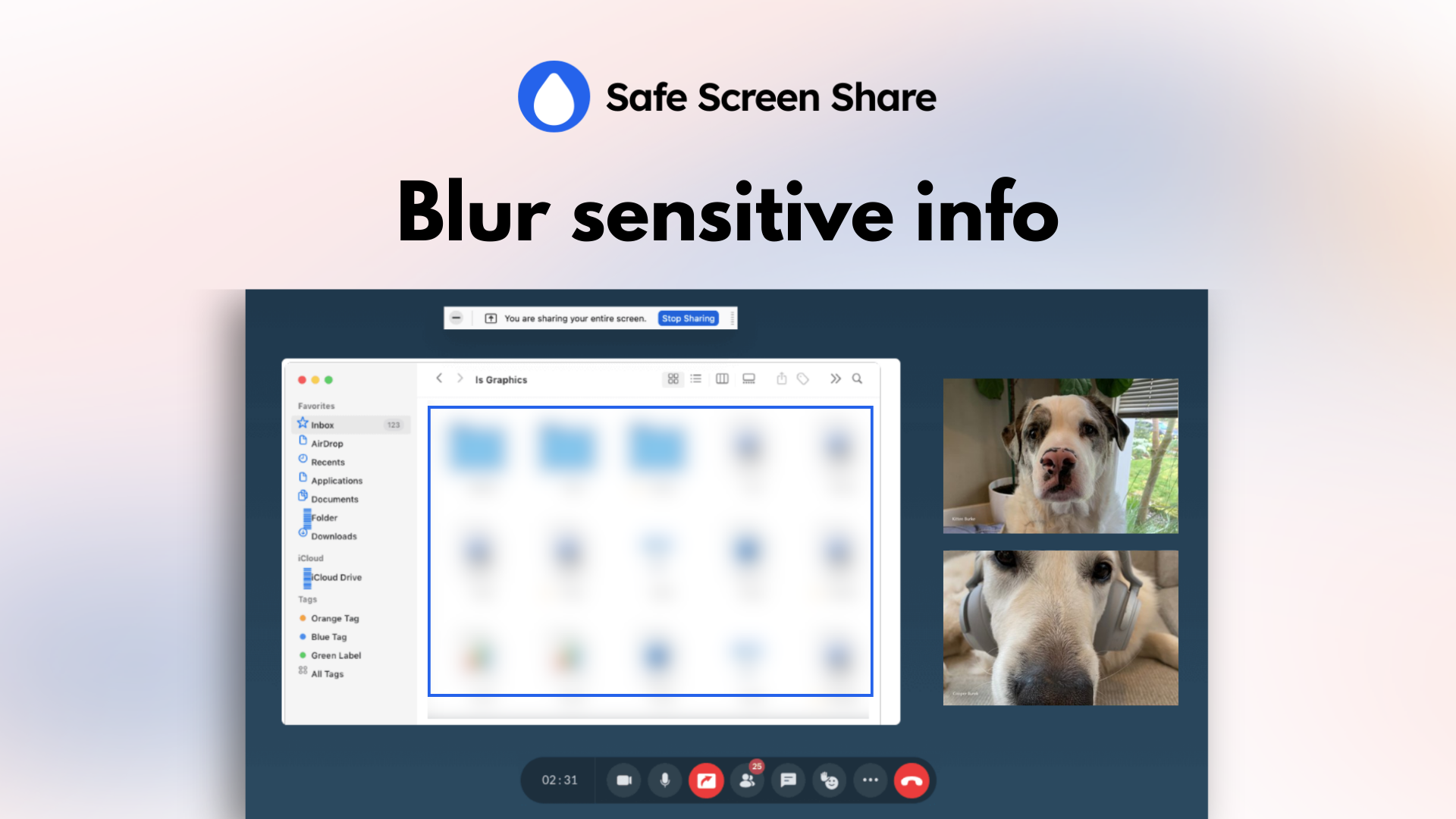
See a notification, a personal photo, or a sensitive line of text you don’t want to share? Simply move your mouse over it and click. Instantly, it’s hidden behind a discreet blur.
There’s no pausing your presentation, no fumbling to stop the share, and no awkward apologies.
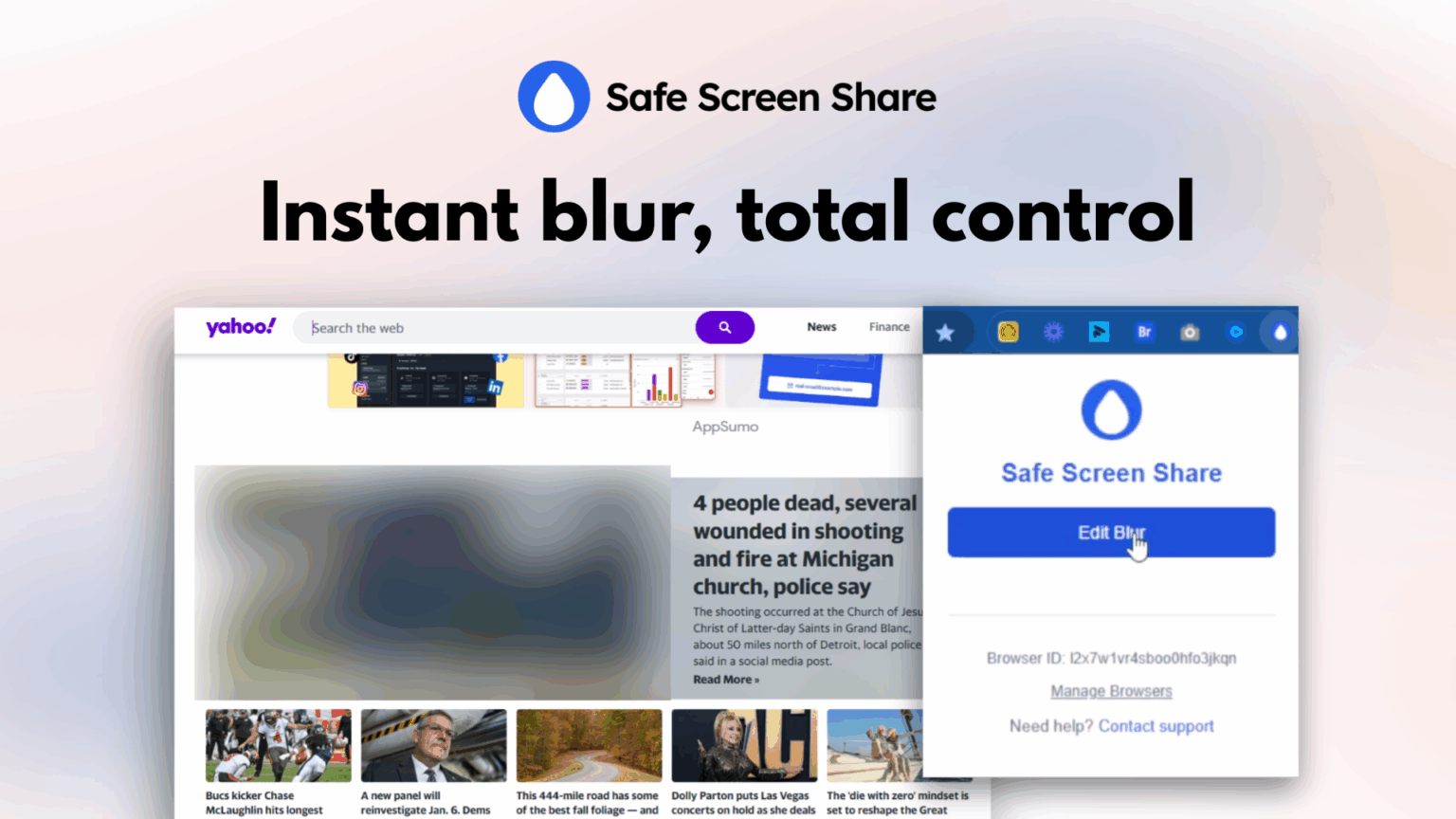
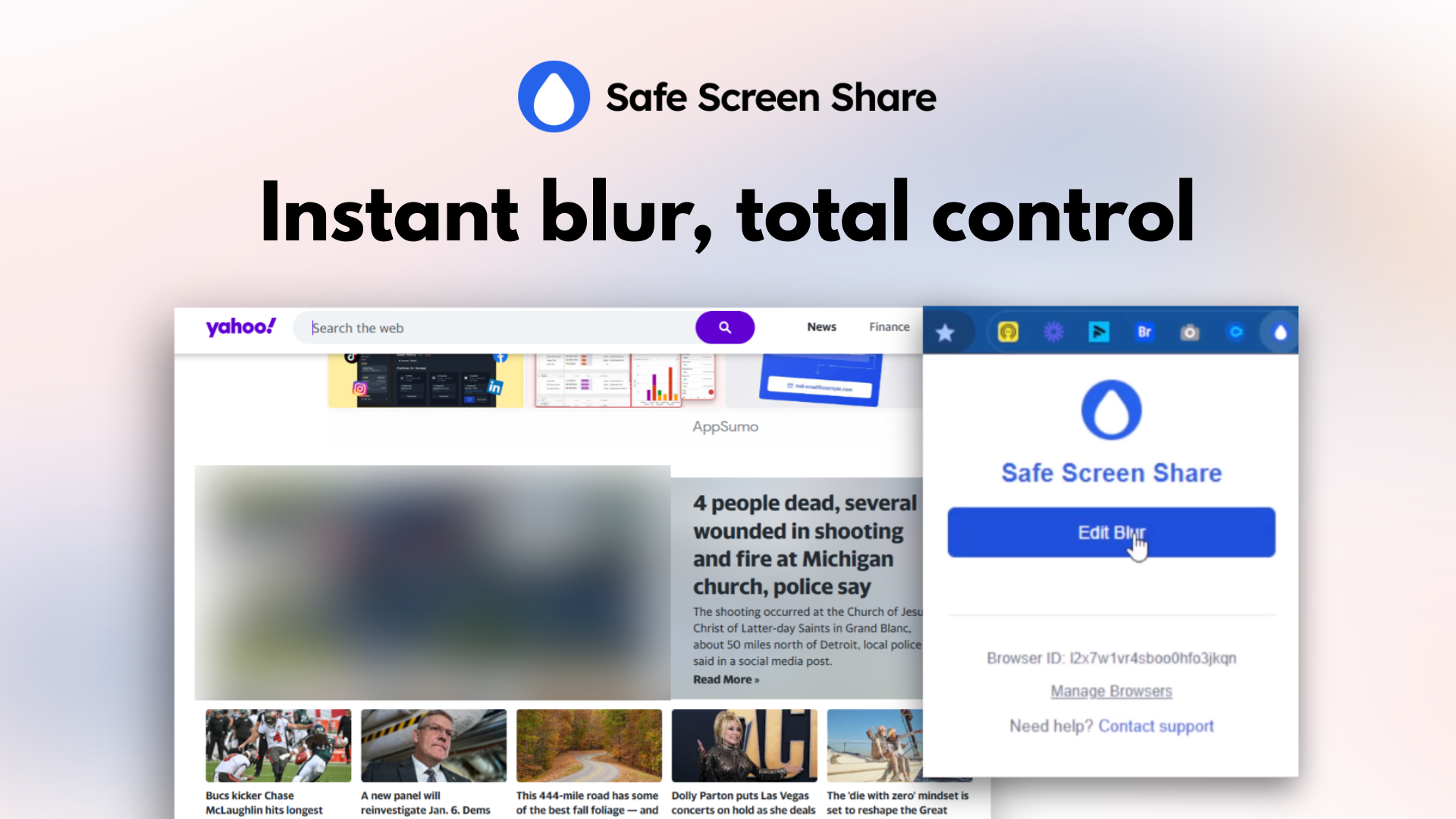
Reacting to a rogue notification is one thing. But what about the sensitive info that’s already sitting on your screen before you even click “share”?
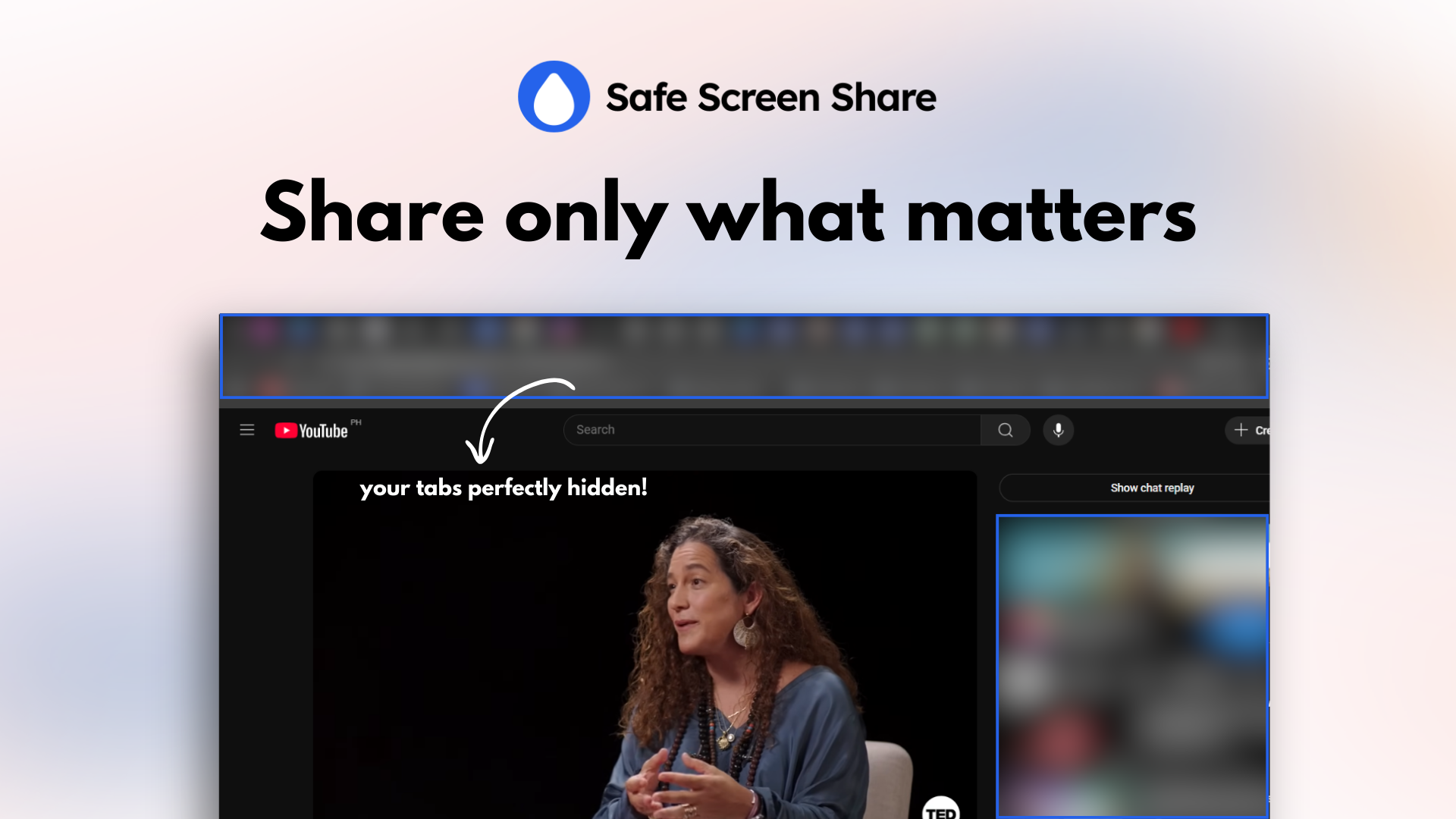
You know the drill. You perform the awkward “window dance,” carefully resizing your browser to crop out your messy bookmarks bar.
Or you spend 20 minutes creating a “safe” static screenshot of your dashboard because showing the live version is too risky.
It’s a presentation killer.
Safe Screen Share gives you the power to proactively curate the perfect viewing experience before your meeting even begins.
Adjust the Blur Intensity: Not all secrets are equal. Dial the blur from a light, subtle masking to a heavy, completely unreadable block of pixels. You get to decide the exact level of privacy for any situation.

You know that five-minute pre-meeting scramble? The one where you frantically blur the same sensitive client names and financial figures on your dashboard for the tenth time this week.
With Safe Screen Share’s Persistent Blur, that tedious ritual is over.
It’s a blur with a memory.
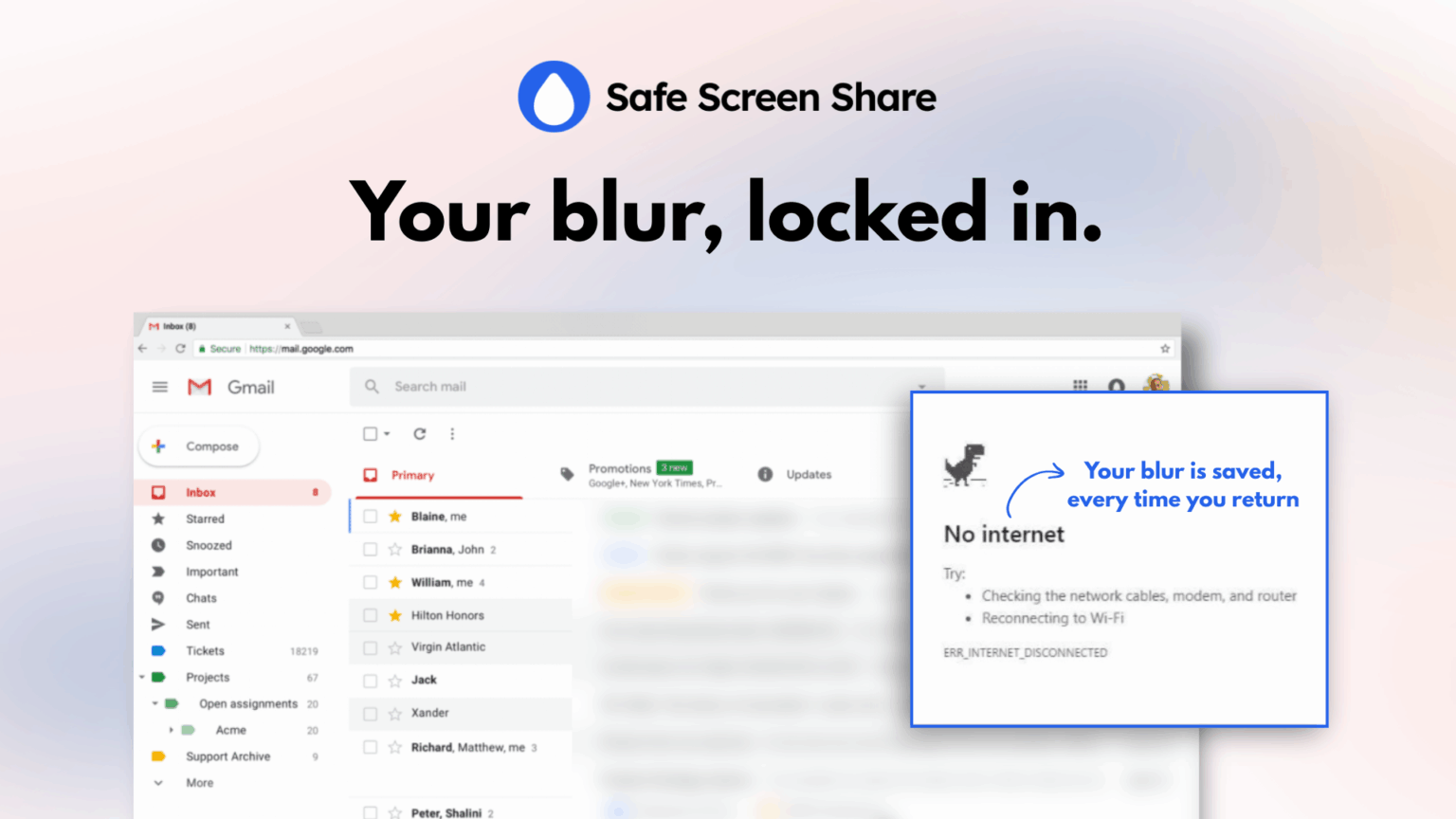
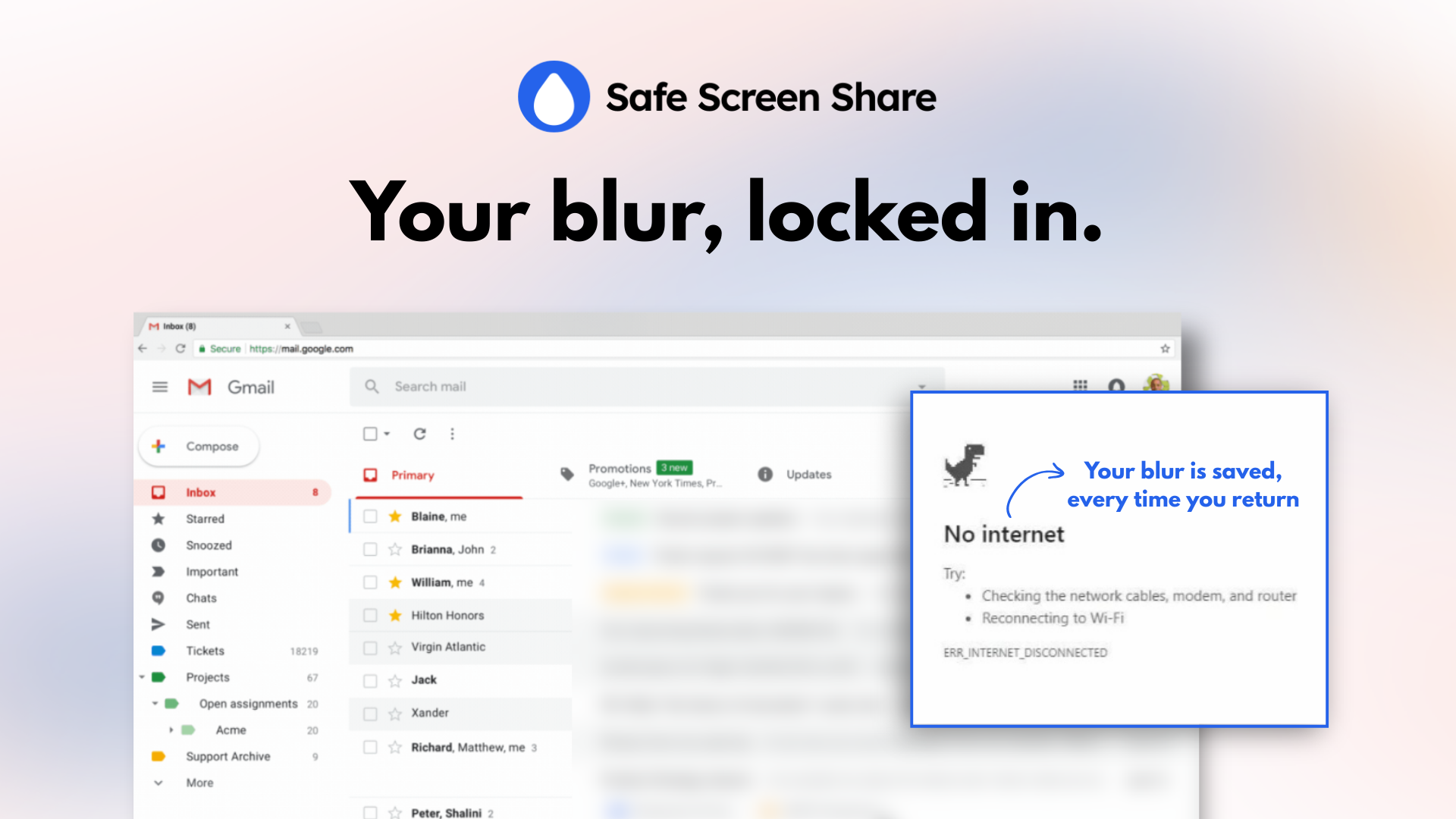
Once you hide an element or an area on a specific webpage, the extension remembers it—intelligently locking it in place even as you scroll, click to other tabs, or refresh the page.
You can close your browser, restart your computer, and when you return to that page tomorrow, your blurs will be there waiting for you, perfectly reapplied.
This transforms a repetitive, soul-crushing task into a single, one-time action.
The last thing you need is another tool that complicates your life or forces you to change a workflow that already works.
You’ve got your favorite apps, and you just need them to be more secure.
That’s the beauty of Safe Screen Share—it doesn’t replace your favorite tools, it makes them better.
It was designed from the ground up to integrate seamlessly with the software you already use every single day.
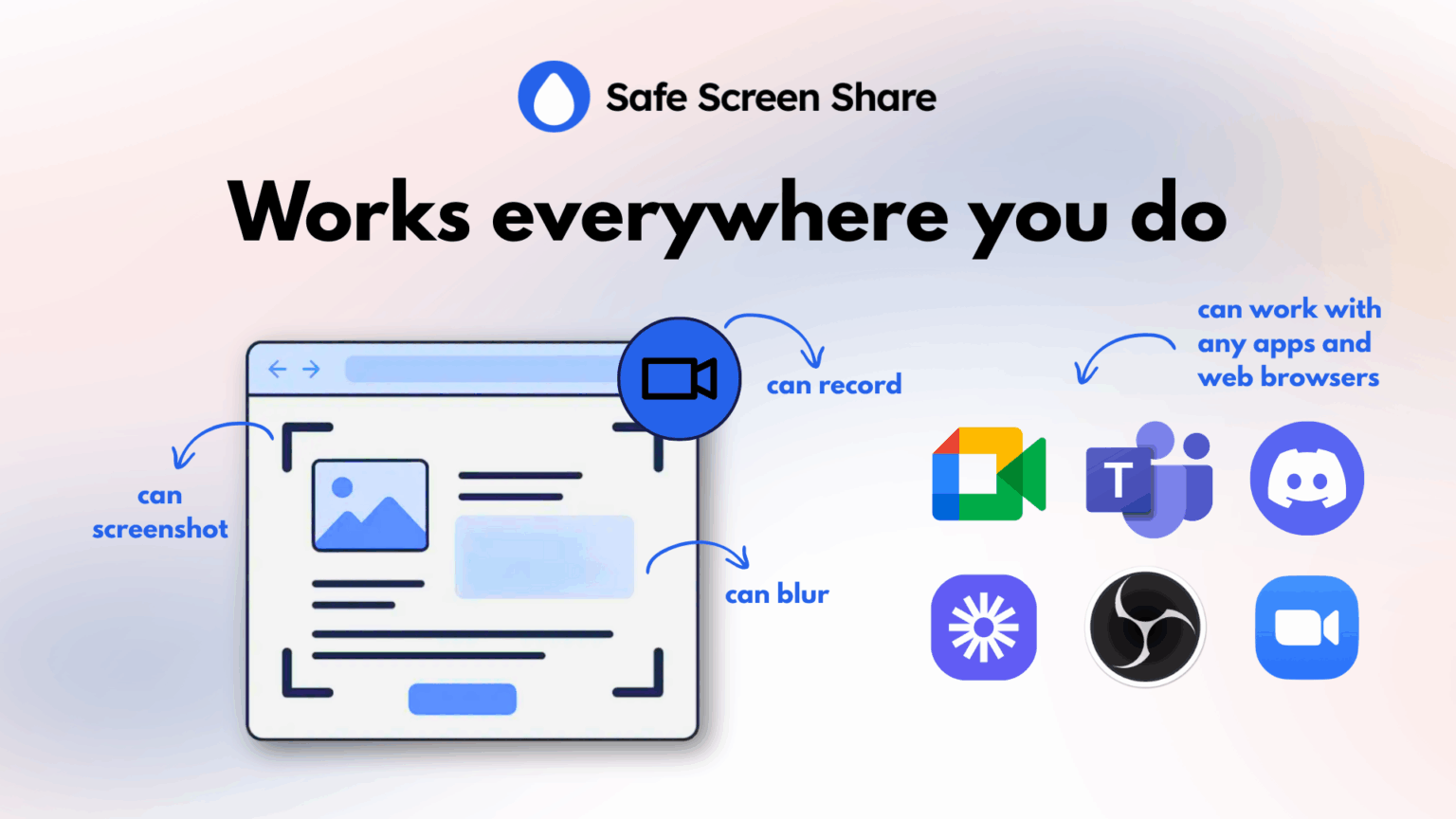
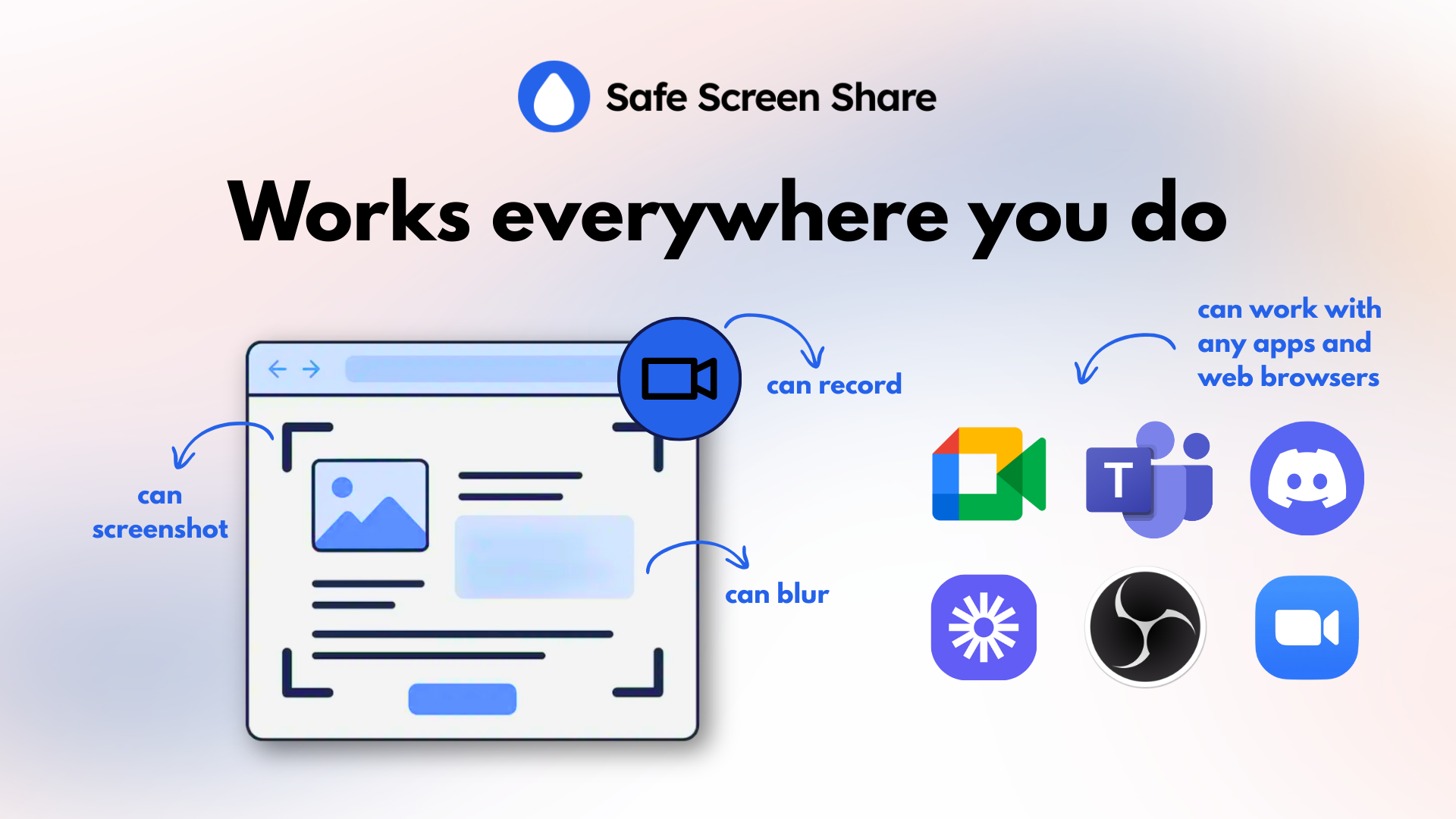
Because it operates at the browser level, any application that captures your screen automatically includes its powerful privacy protection.
There are no APIs to connect, no complex setup, and no new platforms to learn.
It simply works, everywhere you do.
Safe Screen Share adds that critical, missing layer of privacy to your entire workflow without any friction.
Going into a screen share unprepared is the professional equivalent of showing up to a meeting with your fly down—you might not notice it right away, but you can be sure your audience does.
Safe Screen Share gives you a complete toolkit to instantly and persistently blur sensitive information, so you can protect confidential data and lead every presentation with total confidence.
Share your screen, not your secrets.
Get Lifetime access to Safe Screen Share today!
60-day money-back guarantee. Try it out to be sure it’s the right fit for you!
We Got Your Back guarantee
One-time payment. Lifetime deal.
60-day money-back
We Got Your Back guarantee

Hello Zillians! I’m so happy to introduce Safe Screen Share to you!
It all started with a simple problem: I needed to take a screenshot, but my screen was filled with personal info I didn’t want to share. I grew tired of the repetitive hassle of editing every single screenshot.
My first solution was a simple bookmarklet that let me blur any element on the page with a single click. But when I had to take the same screenshot days later, I realized I had to blur everything all over again.
That’s when Safe Screen Share was born.
I developed it into a browser extension with a “memory” feature. Now, you only have to blur sensitive information once. The extension remembers your settings for that page, so you can confidently take screenshots, record videos, or present in meetings without the worry of exposing private data. It’s a simple tool, born from a personal need, that will streamline your workflow and give you complete peace of mind.
Happy to answer any question!
You must be logged in to post a comment.

I Love this tool. It has made it easy for me to do my YouTube videos and protect sensitive information. I Highly recommend it!
Only logged in customers who have purchased this product may leave a review.
We take your privacy seriously. Learn more in our terms of use & privacy
where is the buy button?