


3 comments on "Vvoult"
Have any questions? Ask the founders here.
You must be logged in to post a comment.


One-time payment. Lifetime deal.
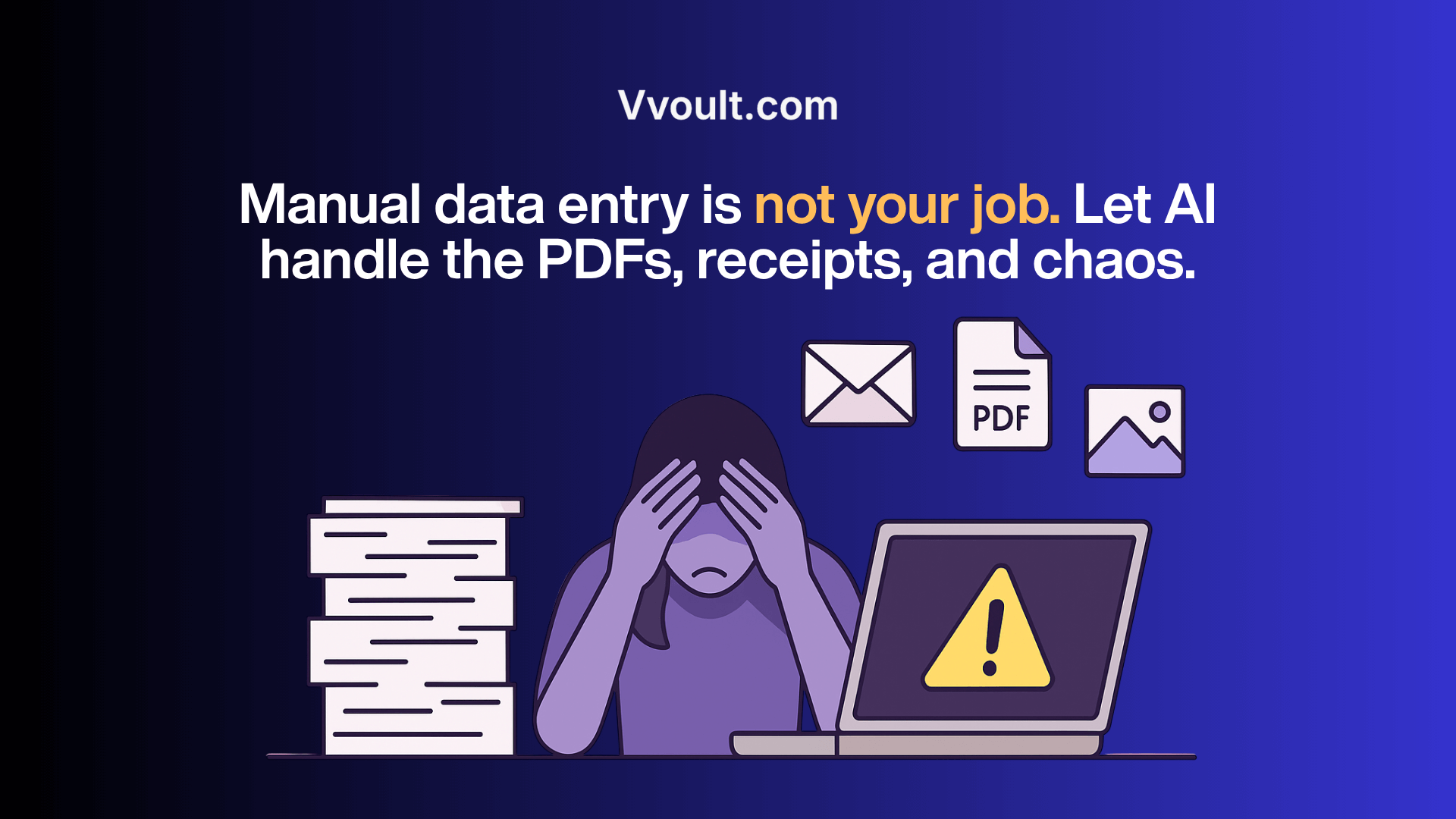
Document processing shouldn’t require human sacrifice.
Yet here you are, manually typing data from PDFs, emails, and images into spreadsheets and systems — burning hours on work a machine should handle.
The problem isn’t just the time wasted.
It’s the soul-crushing tedium. The inevitable errors.
The knowledge that somewhere in that pile of unprocessed documents lurks a critical detail you might miss.
And most “solutions” fall apart the moment they encounter a scanned receipt, a complex table, or any format they weren’t explicitly programmed to handle.
What if you could:
Without limits on documents. Without programming skills. Without the mental drain of manual data entry.
Still entering invoice data by hand? That’s hours you’ll never get back.
Manually copying details from receipts, forms, or scanned PDFs is a daily time drain that introduces mistakes, slows down reports, and clutters your workflow with admin that should’ve been automated years ago.
It’s unsustainable.
Vvoult changes that.
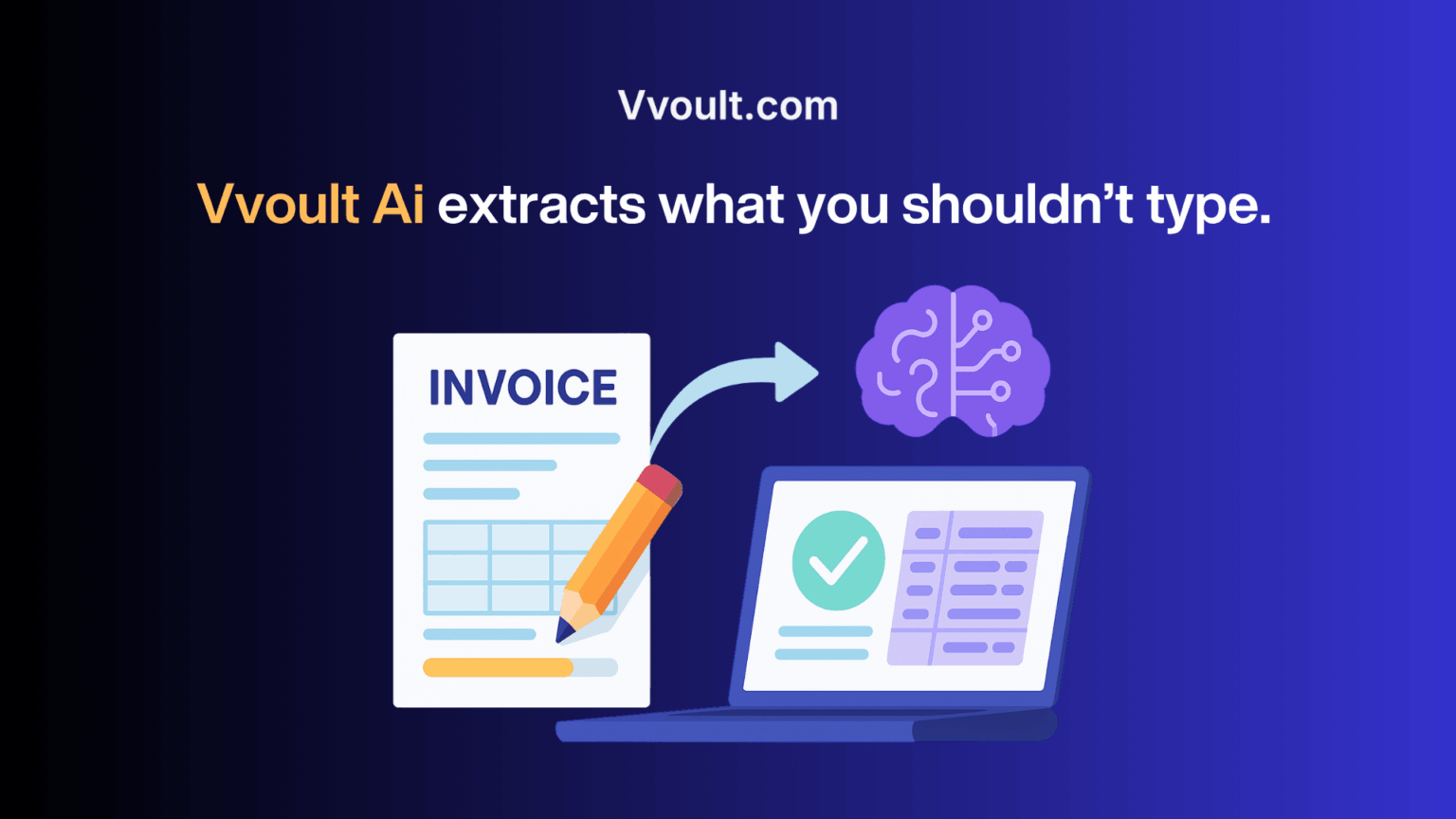
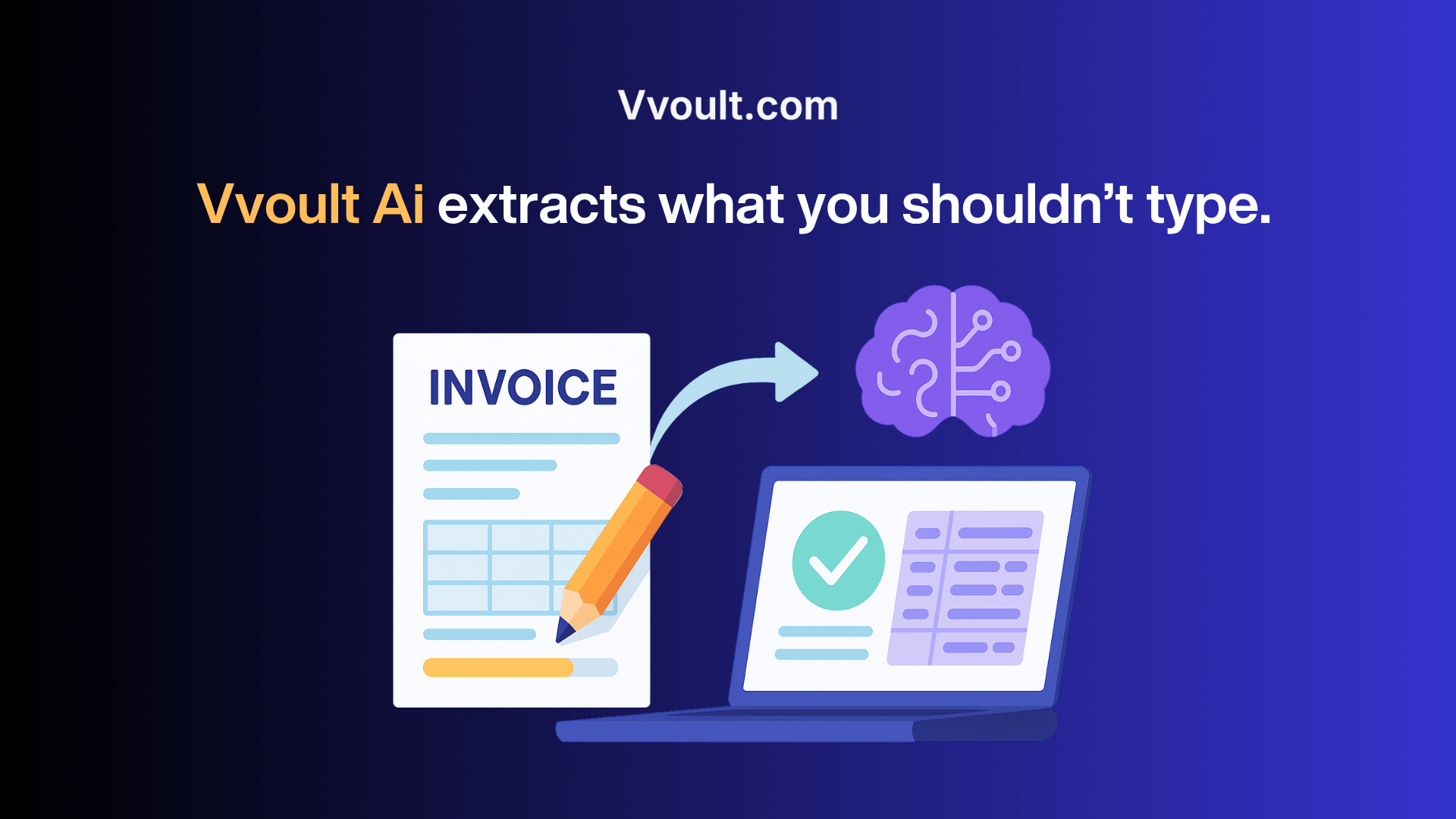
With an AI engine that understands context, not just characters, Vvoult turns even messy, scanned documents into clean, structured data ready for export in seconds.
✅ Extract vendor names, dates, totals, and line items with AI
✅ Process invoices, W2s, receipts, and contracts instantly
✅ Upload files or forward them via email — no manual formatting required
✅ Eliminate typos, duplication, and hours of manual entry
Here’s how it works:
Still downloading every invoice just to re-upload it somewhere else?
That inbox-to-folder-to-software routine adds up, especially when you’re juggling dozens of documents a week.
It’s slow, repetitive, and one missed file can throw off your entire process.
Worse? Important documents fall through the cracks.
Vvoult eliminates that risk entirely.
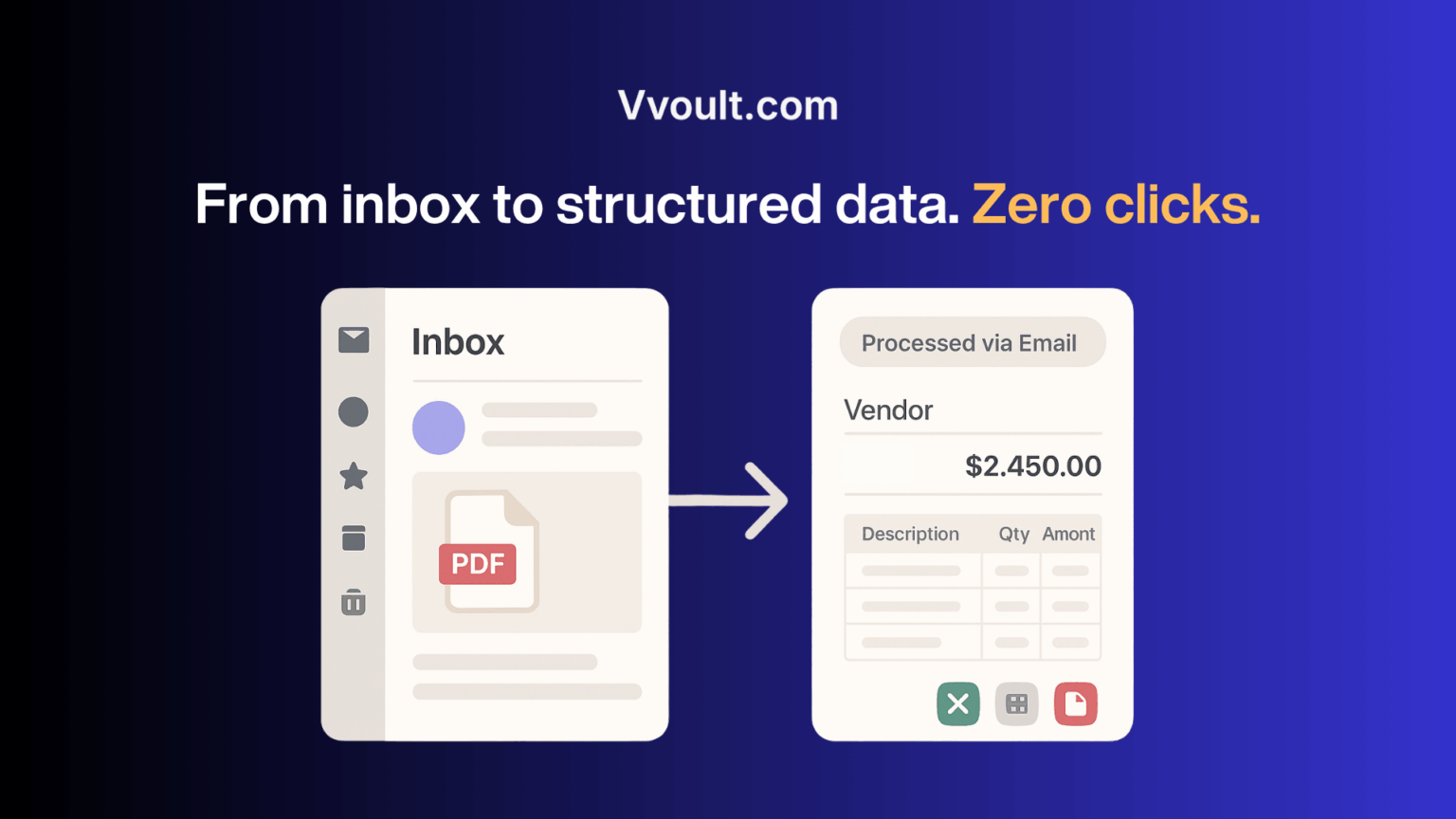
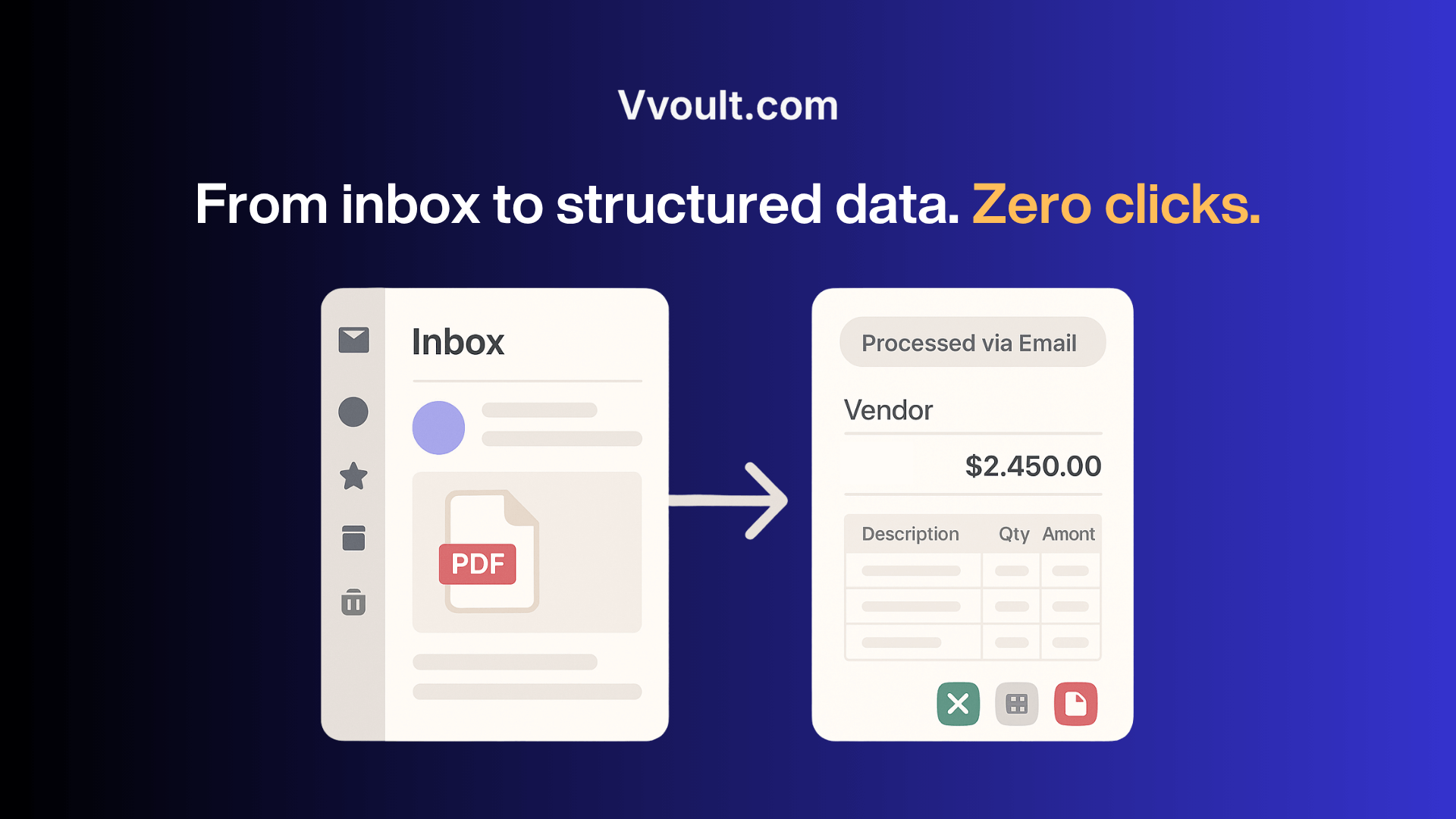
With a dedicated email-to-data workflow, Vvoult pulls data directly from your inbox.
No manual downloads, no missed steps, no clutter.
Just forward the email and the AI handles the rest.
✅ Forward PDFs, receipts, or payment confirmations directly from your inbox
✅ Vvoult automatically parses attachments or email body content
✅ No need to log in, upload, or click through menus
✅ Your structured data is waiting—ready to export or review
Here’s how it works:
Most tools break the moment your document doesn’t match their template.
If you’ve ever tried to automate data extraction from a unique form or weirdly structured PDF, you know the pain…
Rigid templates shouldn’t dictate how your business works.
Vvoult gives you full control.
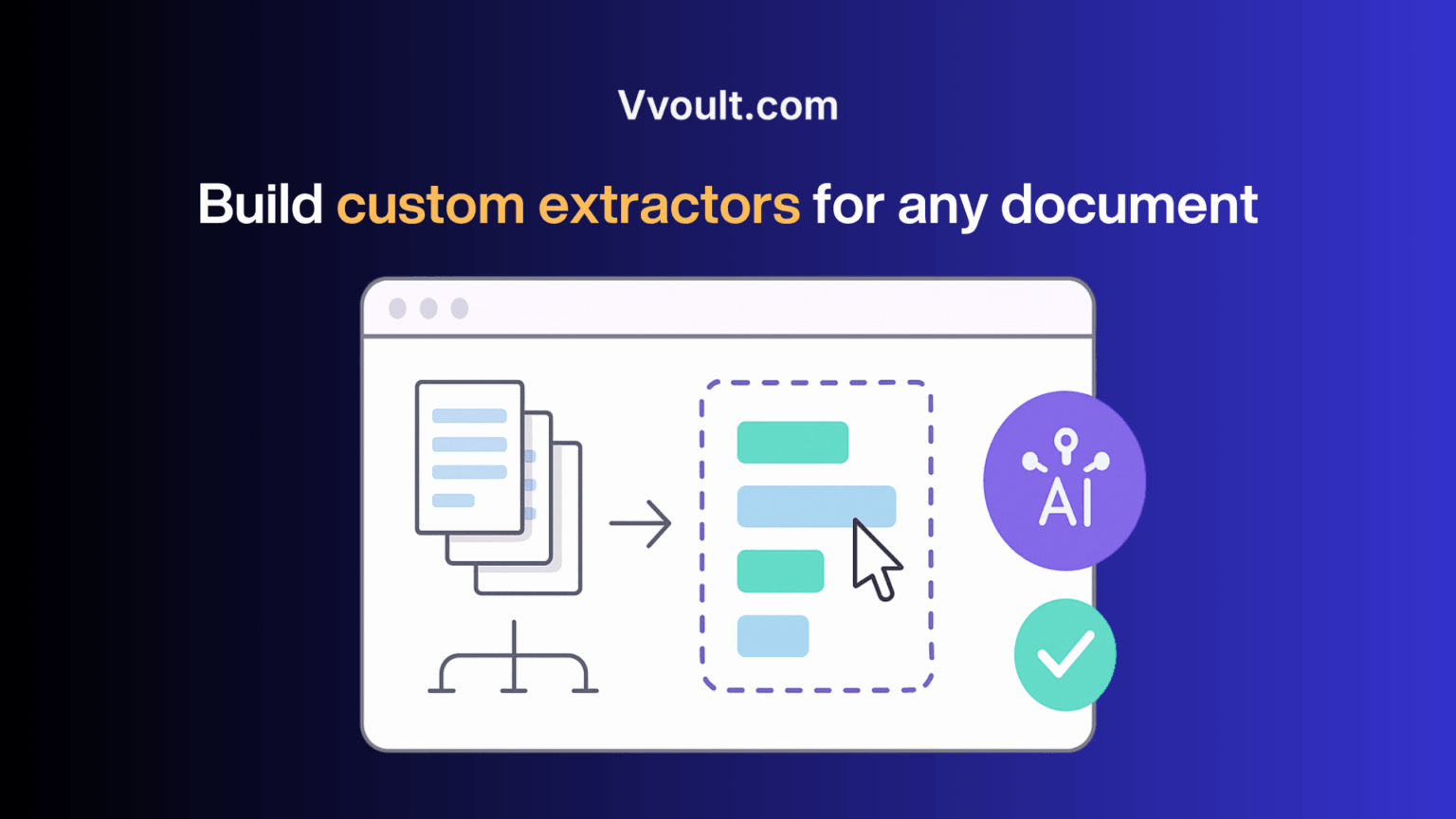
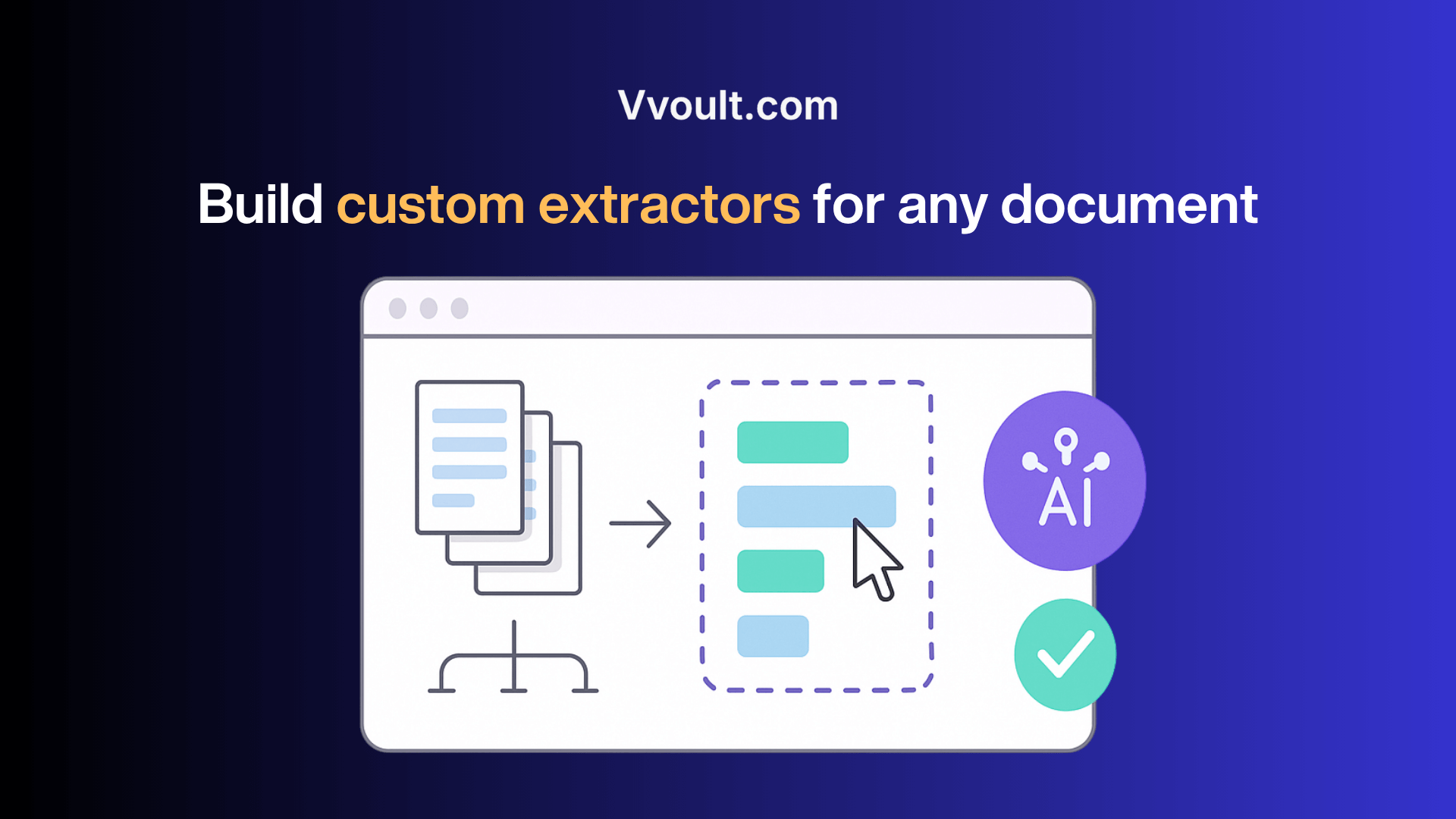
With custom parsers and a growing library of pre-built ones, you can teach Vvoult to extract data from any document without writing a single line of code.
✅ Use ready-made parsers for invoices, receipts, tax forms, and more
✅ Build your own with a point-and-click interface—no devs required
✅ Adapt to client-specific formats, legacy paperwork, or niche layouts
✅ Reuse custom parsers across your account forever
Here’s how it works:
Growth shouldn’t mean switching platforms or paying more just to do more.
Most tools punish success. You hit a document limit, add a new client, or expand your team… and suddenly you’re upgrading plans, adding seats, or juggling logins across platforms.
Vvoult removes the ceiling.
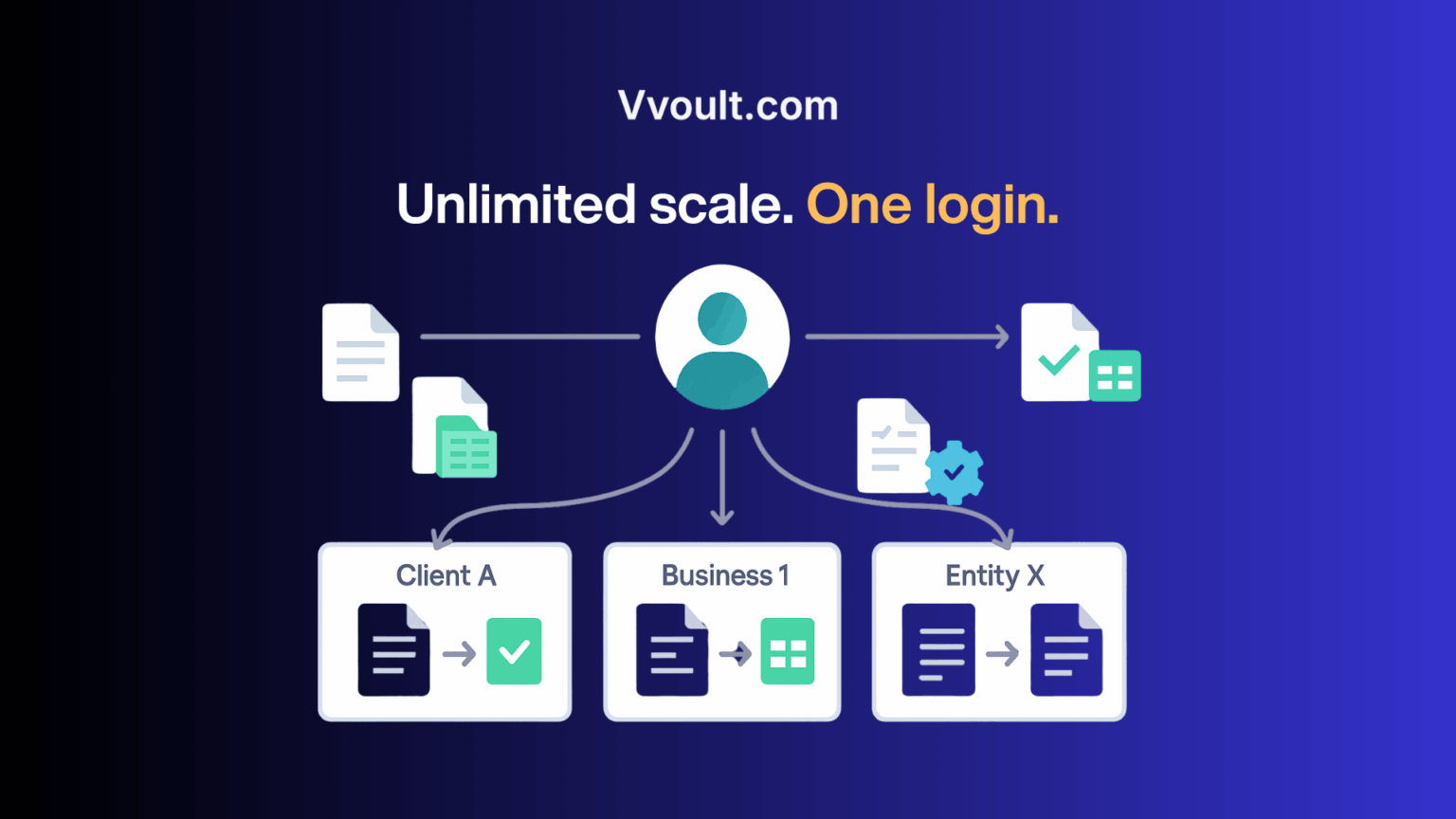
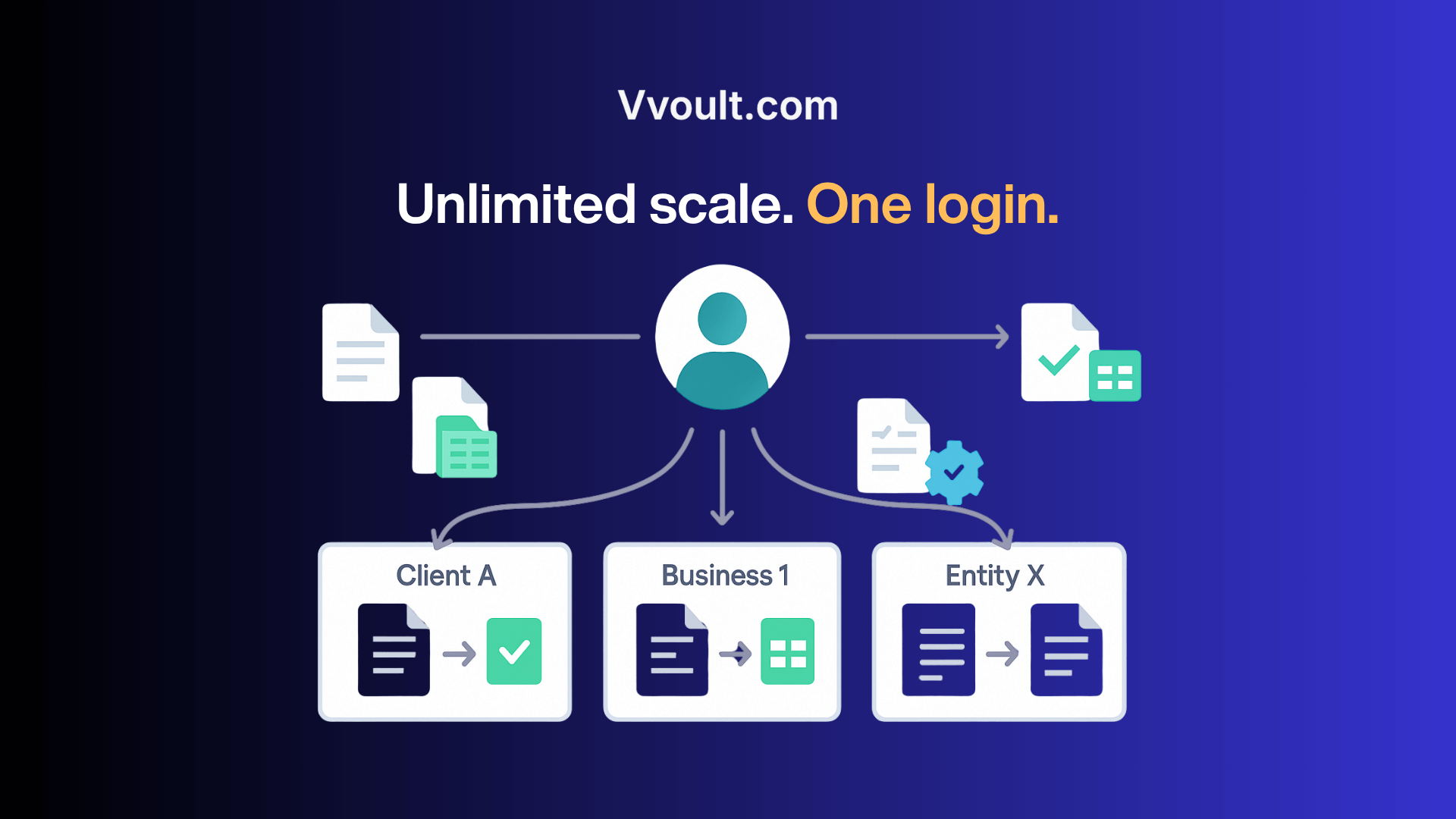
With unlimited document processing and built-in multi-business support, you can handle all your documents and clients – without caps, fees, or platform-hopping.
✅ Process unlimited documents and pages with no usage-based pricing
✅ Manage unlimited clients or business entities in one account
✅ Keep workspaces clean and separate for each business or department
✅ Scale your document operations without scaling your costs
Here’s how it works:
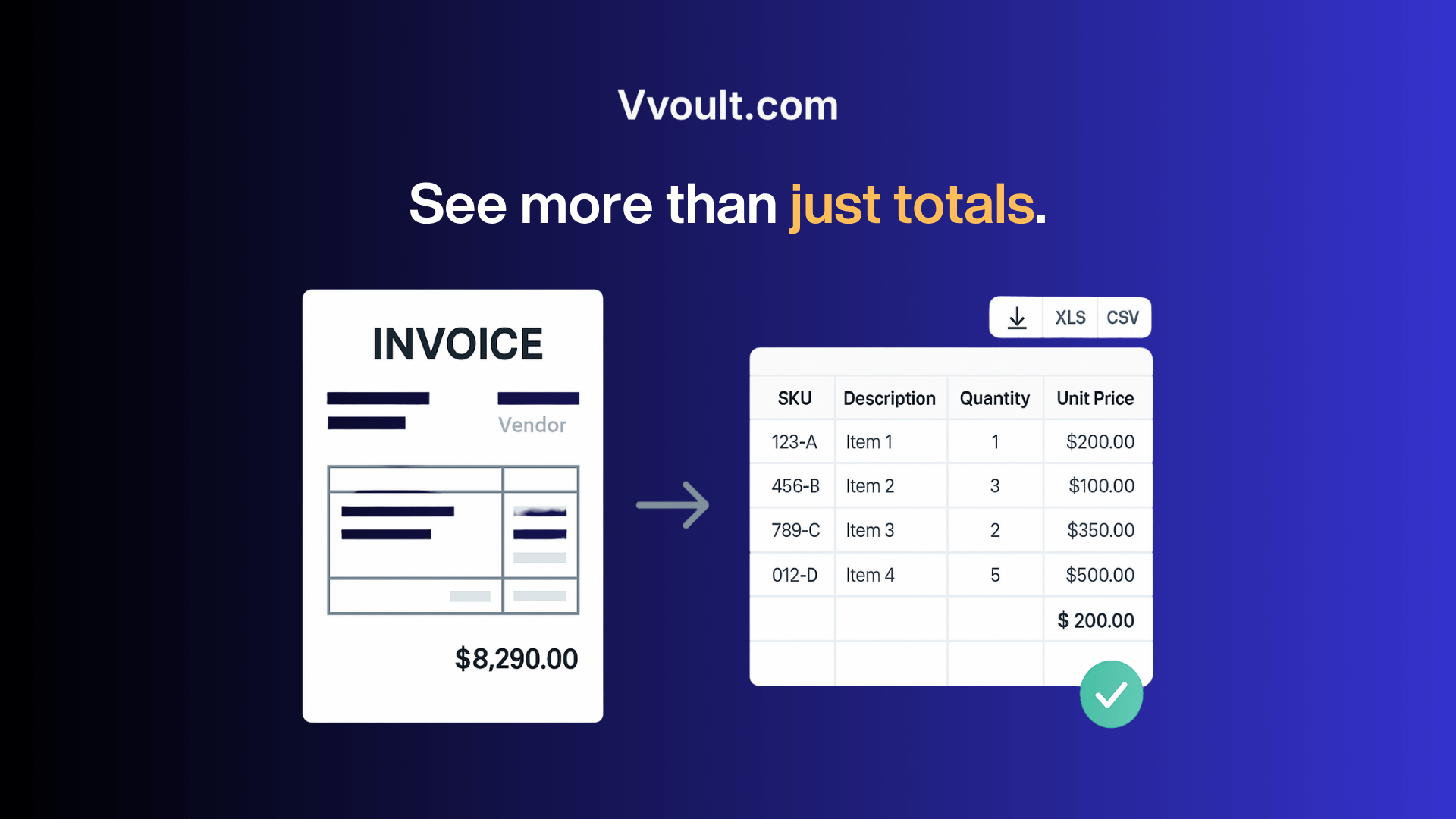
Most tools stop at the invoice total—but you need the full picture.
It’s one thing to pull a vendor name and amount.
But what about the individual items? Quantities? Prices? For real reporting, that surface-level data just isn’t enough.
You’re not just tracking payments. You’re managing operations.
Vvoult dives deeper.
Its advanced table and line item extraction lets you pull every row, column, and detail from complex documents — so you’re not left manually copying itemised data.
✅ Extract full tables from purchase orders, invoices, and bank statements
✅ Capture line-by-line data including SKUs, descriptions, and prices
✅ Export clean tables to Excel, CSV, or Google Sheets
✅ Get granular data for accurate inventory, costing, and reconciliation
Here’s how it works:

Keeping up with documents shouldn’t mean hours of data entry, manual uploads, or messy spreadsheets.
Vvoult brings everything you need into one platform — AI-powered extraction, custom parsers, email workflows, multi-business management, and zero usage limits.
All from a single, intuitive dashboard.
Whether you’re managing receipts for one business or processing documents for dozens of clients, Vvoult helps you extract faster, organise smarter, and scale operations without the admin drag.
Try Vvoult and see how effortless document processing can be.
Get Lifetime access to Vvoult today!
60-day money-back guarantee. Try it out to be sure it’s the right fit for you!
We Got Your Back guarantee
One-time payment. Lifetime deal.
60-day money-back
We Got Your Back guarantee

👋 Hello Zillas, thrilled to meet you all!
🙌 I’m Shruti, the founder, builder, and everything-in-between behind Vvoult.
I’m super excited to launch on SaasZilla and offer this LIFETIME DEAL before we start our journey together 🚀
❓ Why did I create Vvoult?
⚡ What makes Vvoult different?
Unlike other tools that are priced for big enterprises or charge per document, Vvoult is built for solopreneurs, accountants, agencies, task automation teams and small businesses that need flexibility without breaking the bank.
🛠️ I’m actively working on new features, and your feedback will shape what’s next.
So feel free to drop your questions, feedback, and use cases in the comments—I’m here, I’m listening, and I’m ready to help. 🙌
Let’s build something powerful together.
— Shruti (Founder of Vvoult)
When was your company founded & where is it located?
2024, India
Where is your customer data stored?
AWS – USA
How many customers/users do you have today?
More than 100 users
Are you funded or bootstrapped?
Bootstrapped
What’s the origin of the idea for your product?
I built Vvoult after struggling with unstructured documents and finding existing tools too costly, limited, or inflexible. Others shared similar frustrations, so I created a scalable, affordable solution to extract any data from any document.
What problem is your product solving and how?
Manual document processing is slow, error-prone, and frustrating. Most tools either require clean, digital PDFs or restrict what you can extract.
Vvoult solves this by using OCR + AI to extract tables, line items, and custom fields from scanned PDFs, emails, images, and more. You can create your own custom parsers, manage unlimited clients, and collaborate with your team—all without usage caps or rigid templates.
What 3rd party tools is your product critically dependent on?
OpenAI, Gemini, OpenRouter
What are past projects, failures, or successes you’ve had in your career?
I’ve built several micro-SaaS tools—some gained traction, others didn’t—but each taught me valuable lessons about tech and user needs. Vvoult is the most complete and scalable product I’ve built, shaped by all those experiences.
What’s the #1 thing you’re looking to gain from the SaasZilla campaign?
Feedback from real users. I’m not just looking for one-time sales—I want to learn how different teams and industries use Vvoult, what features are crucial, and how I can continue evolving the product. If I can find users who genuinely benefit from it, I know I’m solving a real problem.
What are your plans with the customers, cash, and learnings from the SaasZilla campaign?
Customers: Build long-term relationships, learn from their use cases, and improve onboarding/documentation.
Cash: Reinvest into development, and marketing the product.
Learnings: Shape the roadmap around what users are actually doing with Vvoult—not just what I imagined they’d do.
Any details to clarify about the deal?
Yes! Some quick points:
🚫 Vvoult does not do accounting or financial reporting. It extracts data that you can export to Excel/CSV/Google Sheets and use in your preferred tools. *Direct connection with accounting software are on the roadmap.
✅ You can process unlimited documents—no hidden caps.
✅ You can manage unlimited clients and businesses in your account.
✅ You can create unlimited custom parsers for any document type.
✅ You can invite team members to collaborate.
You must be logged in to post a comment.
It does extract data sent by email pretty well and i think this could be great , but
It looks and functions like an incomplete vibe coding project.
Here are my gripes:
– Documents will not upload (tried different browsers)
– No way to delete files (those that actually gets uploaded by email)
– Google drive connections gets stuck with a loading screen every time.
This should not be out there yet with so many bugs. It is a one star with and generous one for potential.
I don't know why I suddenly checked SaasZilla when I did a few weeks ago, but I immediately saw Vvoult and I knew it was what I needed. I had the urge to snatch it up, but the lack of questions or reviews gave me pause. Still, in my heart, I knew I had to have this tool. It was the missing piece to complete my vision. I purchased it before the 20% offer expired. I have had it for about two weeks now, and it is everything I hoped it would be.
I am not a coder. I am unfamiliar with some of the language. After some trial and error, I reached out to Shruti, and my amazement with this tool truly began. It is definitely a keeper and will be an incredible addition to my flows and services. It is very convenient.
If you are like me, you are probably jumping on the vibe coding trend. I recently started experimenting with dashboards, calculators, and other interactive assets. A user can key in data on the front end and send it to the backend, etc. You know where I am going with this. Well, prior to me stumbling to SaasZilla, I thought to myself, wouldn't it be easier and more convenient for the user to take a picture to initiate the transfer of information to a database like Supabase or, in my case, NoCodeBackend?
That's when I inexplicably checked SaasZilla and saw Vvoult. Shruti has been responsive and helpful. The tool itself is impressive because it allows users to create custom document templates. I purchased another LTD tool that also has OCR capabilities. It doesn't allow for the custom creation of documents/templates. Together, they solidify my offering and make it extremely convenient for both myself and my clients.
If you are vibe coding and you want to sweeten and simplify the experience, get Vvoult! You'll be glad you did.
Only logged in customers who have purchased this product may leave a review.
We take your privacy seriously. Learn more in our terms of use & privacy
Is this deal live? There doesn't seem to be a buy button on my browser?
Hi, this is my desired workflow:
1. Identify the new document in a folder
2. Identify the supplier of the invoice
3. Based on the supplier ID select the appropriate custom parser
4. Process the doc and add items into a list in google Spreadsheet
as I tested you product it seem, that if I sue yopur product I would have to do all of these steps manually, right?
You’re right, the process you described (detecting new documents, identifying suppliers, choosing a parser, and pushing structured data automatically) would require some manual steps at this stage.
1. Yes, it can not automatically upload/process a newly added doc in the google drive. You will have to manually import it from the folder.
2-3. Right, since you want to select parser basis supplier ID, this is again manual.
4. The data can be exported with a click of a button, to the google sheet.